
Unlimited cloud? Let’s be precise.
What unlimited Telegram cloud means, its per-file limits and how to use TeleDisk on PC and Android for archives, streaming and backups.
1. “Unlimited” still has limits
Telegram describes cloud storage without a limit on the number of files. Per-file limits remain: up to 2 GB for standard accounts and up to 4 GB uploads for Premium, according to its official FAQs. Service terms, account availability and operational limits also apply.
- Consider file sizes and account type before choosing an upload workflow.
- Allow for bandwidth, delays and local space for caching and restoration.
- Check Teledisk licence terms separately. Telegram Premium and Teledisk are distinct services.
Example: an archive of many small files and a single 10 GB video have different requirements; the per-file limit must be handled by a supported app workflow.
2. Choose the right Android or Desktop workflow
The suite separates organisation, playback and backup. Start with what you want to do, then choose the app.
- Desktop: organise archives, transfers and catalogues on your computer.
- Stream: import your catalogue and play content on Android or Android TV.
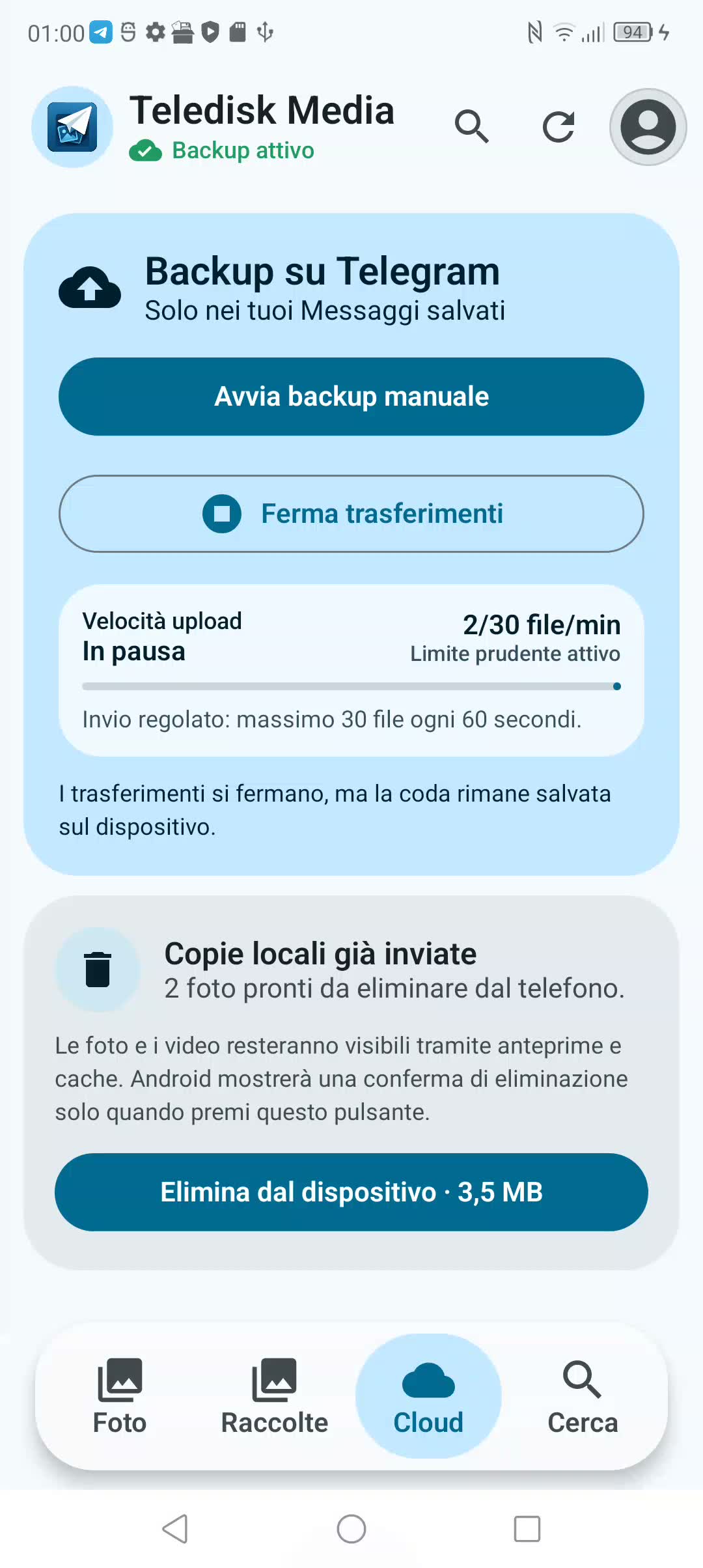
- Media: use the gallery and back up personal photos or videos to Saved Messages.
Example: to free up photo storage on your phone, start with Media; for a TV catalogue, start with Desktop and Stream.
3. Account, privacy and independent copies
Cloud access depends on your Telegram account and the original messages still existing. Cloud chats, including Saved Messages, are not end-to-end encrypted secret chats.
- Protect your account with two-step verification and review active sessions.
- Keep an independent copy of irreplaceable documents and memories.
- Never share login codes, sessions, bot tokens or databases containing credentials.
Example: keep important photos on an external drive too, and periodically test restoration.
4. Traffic, cache and availability
Android cloud storage does not mean zero local storage. Thumbnails, indexes, caches and restored files take space; uploads and streaming use data. Telegram can impose temporary waits.
- Check your connection and mobile allowance before a large backup.
- Leave space to open or restore the files you need.
- If the service requires a delay, let the queue respect it.
Example: a streaming video does not necessarily occupy its full size before starting, but it still needs cache and a sufficient connection.
5. Test the complete workflow
A useful test includes uploading, verification and recovery. Seeing a progress bar reach 100% is not enough.
- Choose a small file of your own and upload it with the right app.
- Check that it is available at the intended Telegram destination.
- Download or restore it and open it before expanding the backup.
Example: two photos and a short video are enough to test Media without changing your whole gallery.
Official Telegram sources
Telegram FAQ: cloud & files ↗Telegram Premium: 4 GB uploads ↗Telegram: cloud & secret chats ↗Your next step?
Your device.
Packages from the official catalogue.
Versions and availability managed by the site.